

Overview
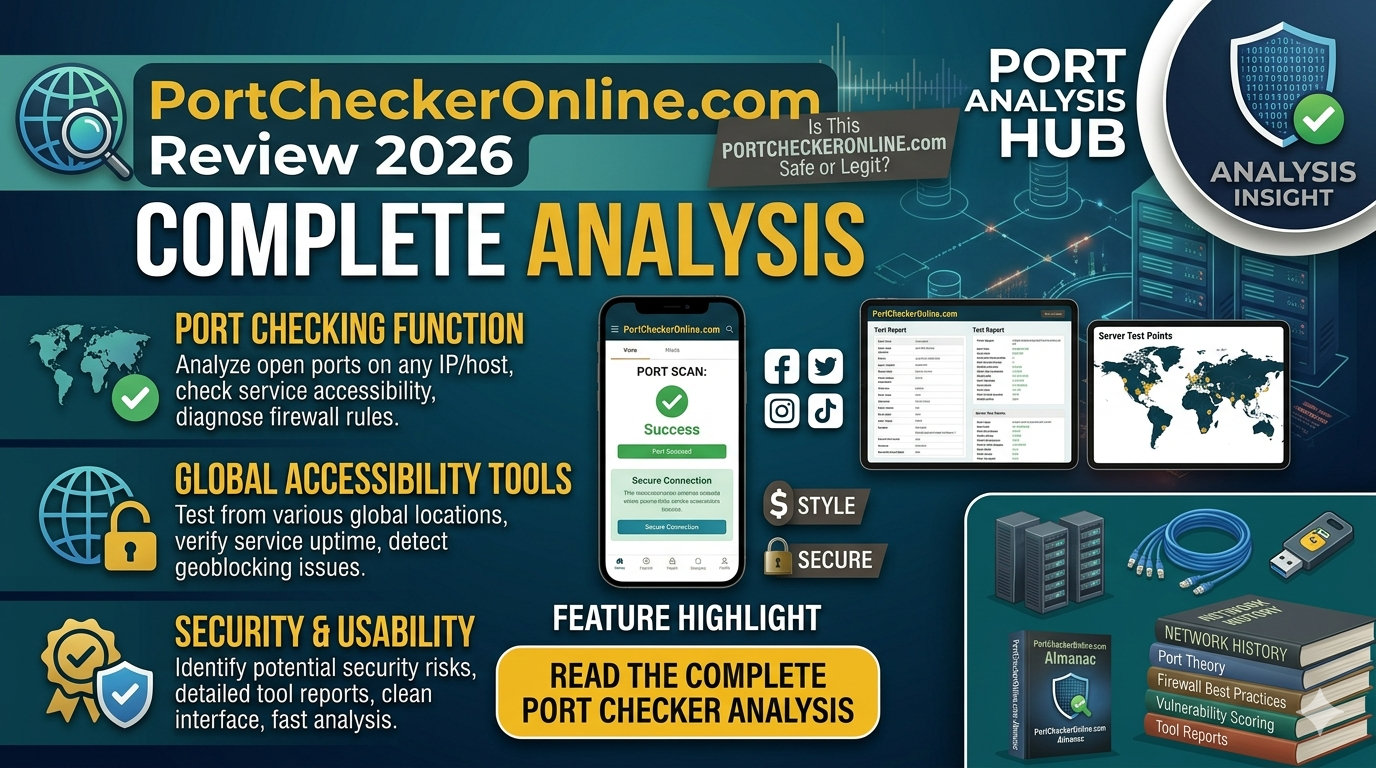
PortCheckerOnline.com is a free web-based utility designed to help users check whether specific network ports are open, closed, or filtered on their public IP address.
It is mainly used for:
- Network troubleshooting
- Verifying port forwarding
- Checking firewall configurations
- Ensuring services like web servers or gaming servers are accessible
The tool automatically detects your IP and allows you to test common ports such as:
- HTTP (80)
- HTTPS (443)
- FTP (21)
- SSH (22)
Users can also enter custom ports to test connectivity.
How the Tool Works
PortCheckerOnline.com works by sending a request to your public IP address and checking whether a specific port responds.
- Open port → Accepts connections
- Closed port → Not accessible
- Filtered port → Blocked by firewall or security layer
This helps users quickly identify network issues or verify whether services are running correctly.
Key Features
1. Simple Web-Based Tool
- No installation required
- Works directly in browser
- Accessible for beginners and professionals
2. Automatic IP Detection
- Detects your public IP automatically
- Saves time and reduces manual errors
3. Common Port Testing
- Predefined ports for quick checks
- Custom port testing option
4. Network Troubleshooting Support
- Helps identify connectivity issues
- Useful for gamers, developers, and IT users
5. Security Awareness
- Highlights open ports that could pose risks
Important Limitation (Very Important)
One major issue:
The “port scanner” feature may simulate results instead of performing real scans, meaning it does not always provide actual real-time network testing.
This is critical because:
- Results may not reflect real network conditions
- It is not suitable for advanced diagnostics
Pros
1. Easy to Use
No technical expertise required, making it beginner-friendly.
2. Free Tool
Completely free with no installation needed.
3. Quick Results
Instant feedback on port status.
4. Useful for Basic Troubleshooting
Helps verify if services are accessible from outside your network.
5. Accessible Anywhere
Works on any device with a browser.
Cons
1. Accuracy Concerns
- Some scans may be simulated rather than real
- Results may not always be reliable
2. Limited Functionality
- Cannot scan all ports automatically
- Only checks user-specified ports
3. External Tool Limitations
- Cannot detect internal network ports
- Blocked by firewalls or ISP restrictions
4. Privacy Considerations
- Requires sharing your public IP with the tool
- Some tools may log data
5. Low Trust Score Indicators
- New website with low traffic
- Owner identity hidden
- Hosted with low-reputation servers
Trust & Safety Analysis
Positive Signals
- Uses HTTPS (secure connection)
- No major malware or scam reports
- Functional for basic tasks
Concerns
- Low trust score from third-party analyzers
- Limited transparency about ownership
- Potential hosting risks
Overall Safety
- Safe for basic usage and testing
- Not recommended for sensitive or critical network analysis
Who Should Use This Website?
Recommended for:
- Beginners learning networking
- Users testing simple port issues
- Gamers checking port forwarding
- Casual troubleshooting
Who Should Avoid It?
Not ideal for:
- Professional network engineers
- Advanced security audits
- Enterprise-level diagnostics
Final Verdict
PortCheckerOnline.com is a basic and beginner-friendly port checking tool that works well for simple tasks like checking whether a port is open or closed. However, due to accuracy limitations and low trust signals, it should not be relied upon for advanced or critical network diagnostics.
Final Recommendation
Use PortCheckerOnline.com if you want:
- Quick and simple port checks
- Basic troubleshooting
- Free and easy access
Avoid relying on it if:
- You need accurate, real-time port scanning
- You are handling sensitive systems or data
For better results, consider professional tools like:
- Nmap
- Netstat
- Advanced network scanners
